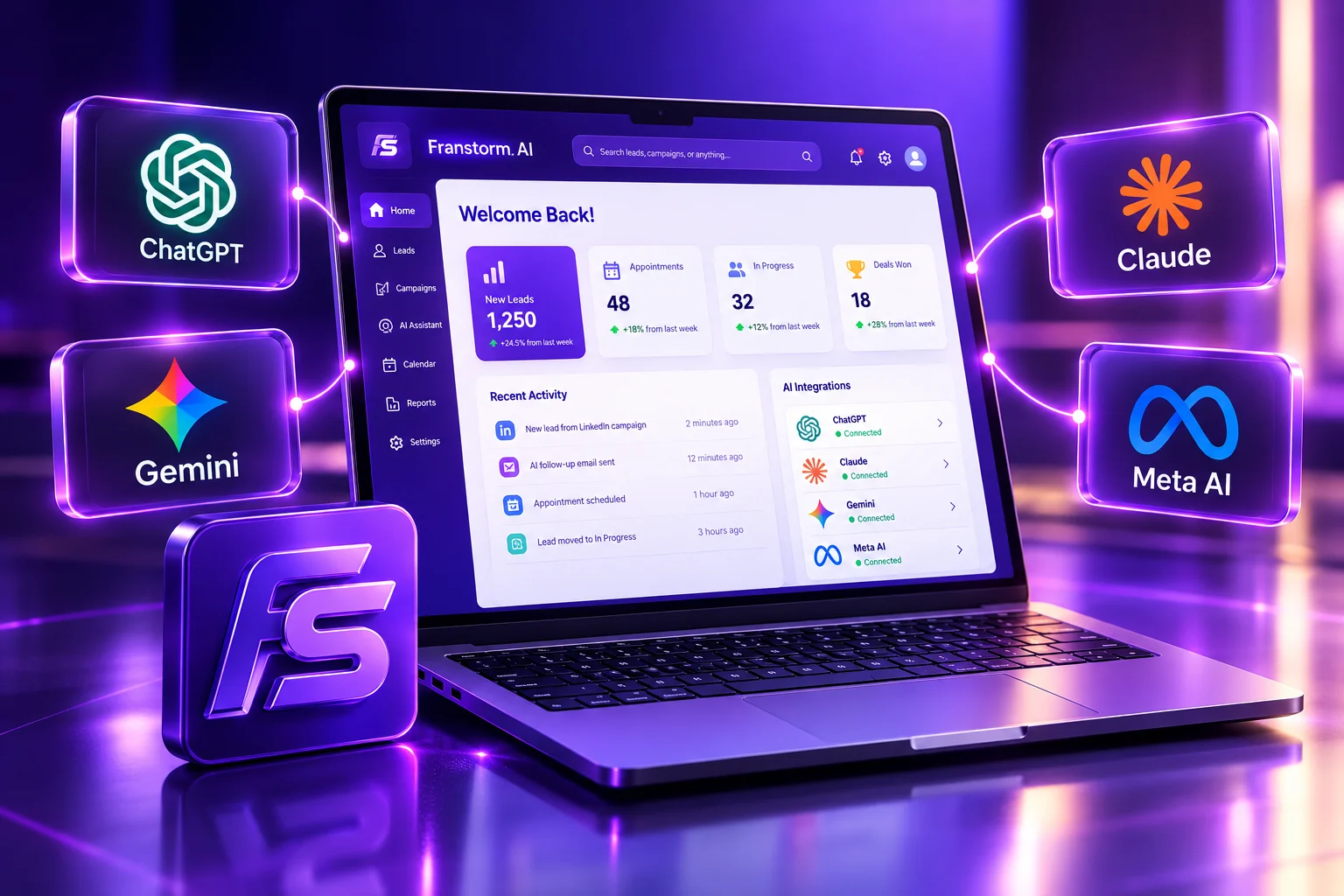
Franstorm AI connects with the AI models, calendars, and data tools you already use. Automate workflows, sync data, and keep every conversation moving.
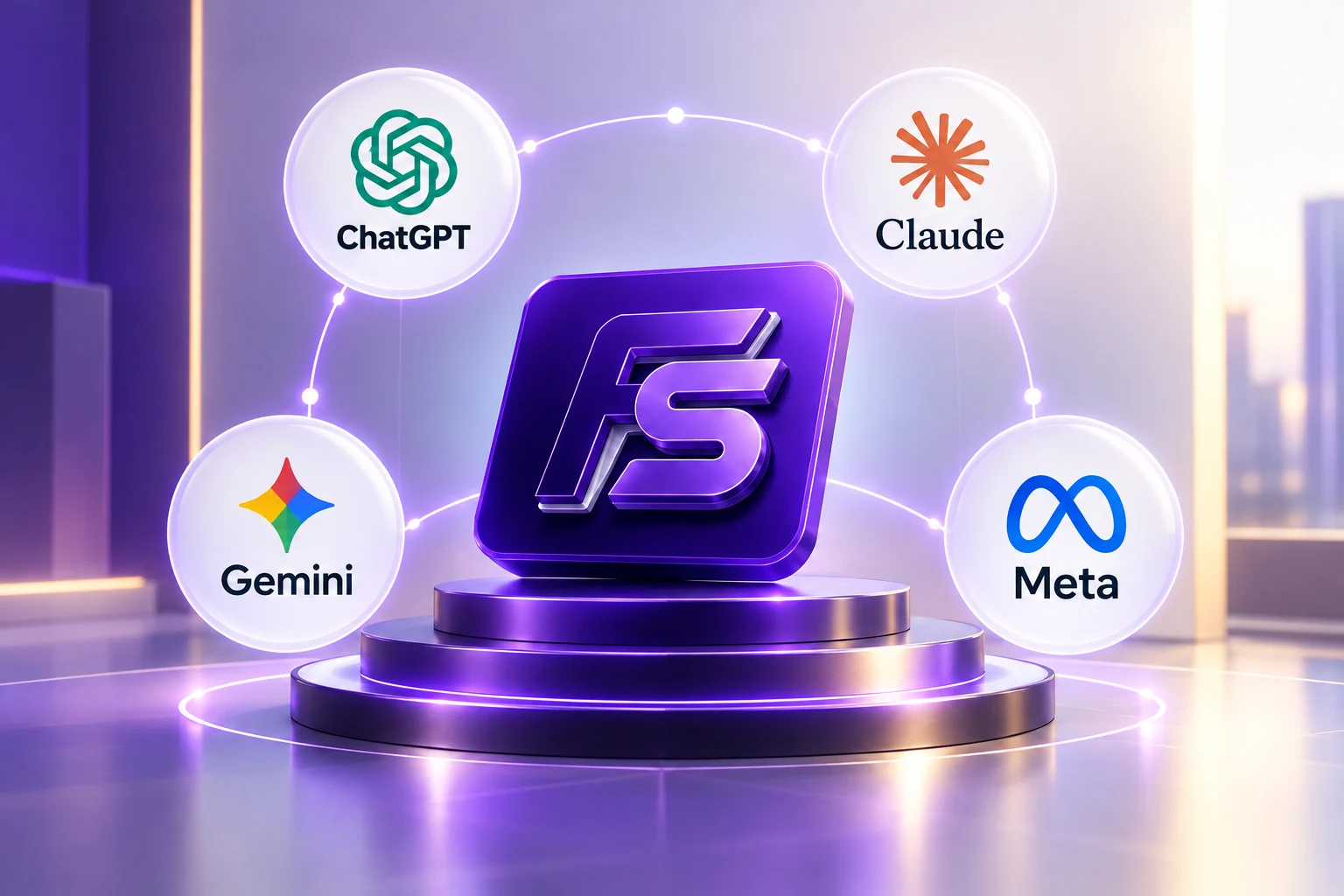
Connect your favorite tools in just a few clicks.
Enterprise-grade security you can count on.
Save time with smart automation and sync.
Unify your data and scale your operations.
Run Franstorm AI on the model your team trusts. Each one plugs into the same workflows, so switching never means rebuilding.
Draft replies, summarize calls, and qualify leads with OpenAI models.
Handle long conversations and detailed follow-ups with Anthropic's Claude.
Research, reply, and route conversations with Google Gemini.
Power flexible, open-model conversations with Meta's Llama models.
Change the AI model behind a workflow without rebuilding it. Your prompts, rules, and data stay in Franstorm AI.
Use one model for quick replies and another for deep follow-ups. Pick what fits each workflow.
Hand any conversation to your team at any point, whichever model started it.
Franstorm AI is the layer between your customers and your tools. Connect each app once and Franstorm coordinates the work: the AI model handles the conversation, the calendar handles the booking, and your data tools keep the record. Every integration is built to work with the others, so a change in one place carries through everywhere.
Link your AI model and tools from one place. Sign in, approve access, and you're set.
Choose which model answers, which calendar books, and where your data lands.
Franstorm AI runs the workflow. Every conversation, booking, and update stays in sync.
See how a single lead moves through Franstorm AI and your connected tools.
A visitor starts a chat on your site or channel.
ChatGPT, Claude, Gemini, or Meta answers and qualifies the lead.
Calendly offers open slots and books the call.
Outlook or Google Calendar updates instantly.
Details land in Google Sheets or any webhook endpoint.
Book meetings and move data without leaving Franstorm AI.
Let leads book time and keep every calendar in sync.
Let leads book meetings straight from a Franstorm conversation.
Sync availability and events with Outlook so nothing double-books.
Schedule meetings and sync appointments without any hassle.
Send data where your team works and reach prospects faster.
Sync data and automate workflows with the power of Sheets.
Find, connect, and engage with prospects on autopilot.
Build custom integrations and connect with any webhook-enabled app.
OpenAI ChatGPT, Anthropic Claude, Google Gemini, and Meta. You can choose a model for each workflow.
Yes. Your workflows, rules, and data stay in Franstorm AI, so changing models doesn't mean starting over.
Calendly handles booking, while Outlook Calendar or Google Calendar keeps your availability in sync so slots never double-book.
Yes. Use Webhooks to connect any app that can send or receive them.
Franstorm AI uses enterprise-grade security. Every connection needs your approval, and you can disconnect any tool at any time.
Connect your favorite apps, automate workflows, and unlock the full potential of Franstorm AI.
Quick intro first, then I'm all yours.
Try one of these: